Team battle for TikTok Live
Tik360 Battle pits 2 to 6 teams made of your viewers against each other: each viewer joins one by typing its keyword in the chat, such as !red, and every coin sent in gifts scores a point for their team. A game is played to a points goal or against the clock, and its overlays are created from the Battle page in the app.
Download Tik360Nnova.liveLIVE
Live demo of the real overlay.
What this overlay does
- Teams of viewers
- Each team has its own name, color, image and keyword, and an assigned gift can give fixed points to a team.
- Goal or timer
- First to the points goal or a timed game with overtime on a tie, plus an automatic rematch if you want one.
- A set of overlays
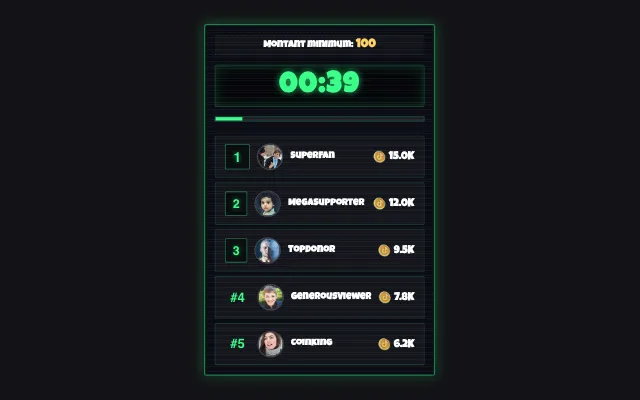
- The Versus shows each team's points and bar, alongside top gifters, MVP, the victory screen and the games won counter.
Ideas to use it
- A duel between two sides for the whole live
- Points multipliers launched by your rules
- A team championship followed live after live
Related video tutorial
Getting started with Tik360 on TikTok Live
Install Tik360, create your account, connect your TikTok live and discover scenes, presets, overlays, TTS and statistics in 2 minutes.
Getting started with Tik360 on TikTok LiveFrequently asked questions
Is it the same as a TikTok match between creators?
No. Tik360 Battle happens inside your own live: your viewers form the teams, not two creators facing each other.
Can a viewer switch teams?
Yes, by typing another team's keyword. Their gifts then count for their new team.