End credits for TikTok Live
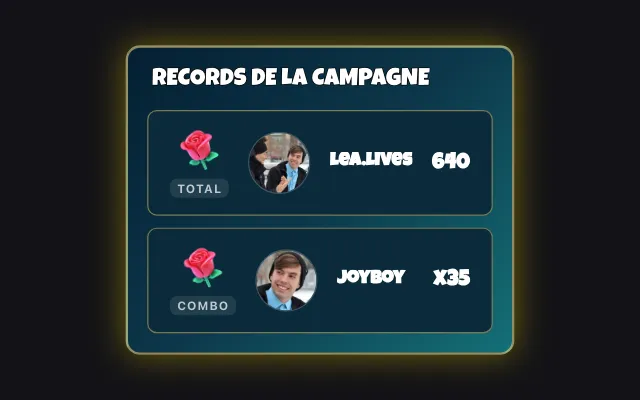
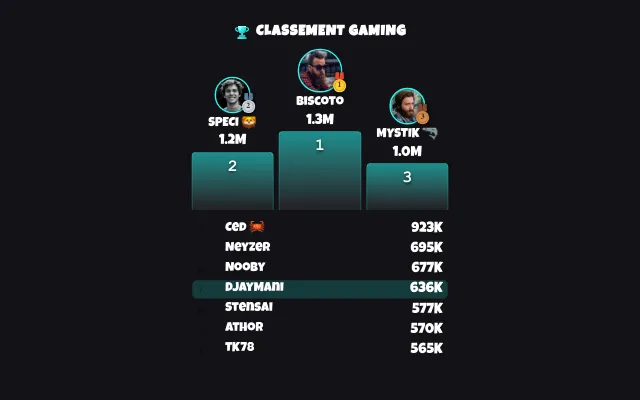
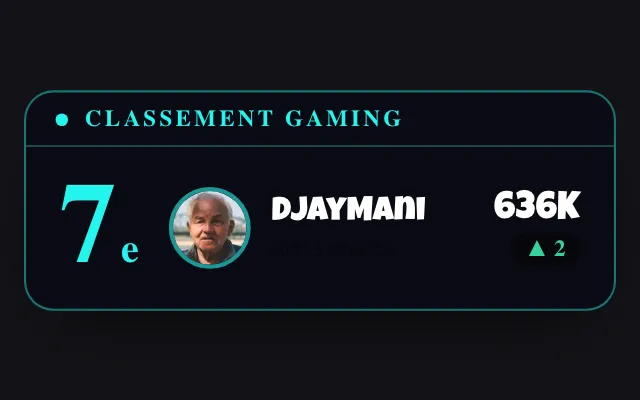
At the end of the live, the credits roll through the night's numbers and the names of those who made it happen. The Star Wars theme opens with an intro and yellow text in perspective, the Classic theme scrolls flat in white.
Download Tik360Nnova.liveLIVE
Live demo of the real overlay.
What this overlay does
- The live in numbers
- Duration, likes, new followers, diamonds, gifts, messages, shares, participants and peak viewers.
- The heroes of the night
- Top gifters, top tappers, top chatters and tonight's gifts, with the biggest gift and the first gifter.
- Your texts and your music
- Title, intro, closing text and labels can be edited, with the built-in fanfare or music of your choice.
Ideas to use it
- Close a long live by thanking everyone
- Show the night's numbers before you go offline
- Give viewers a reason to stay until the end
Related video tutorial
Tik360 V3: what changes and the one setting to check
Moving to Tik360 V3: your scenes, rules and TikTok LIVE Studio links are kept. The TTS setting to check, overlay styles, global overlays and keyboard shortcuts.
Tik360 V3: what changes and the one setting to checkFrequently asked questions
How do I start the credits?
During the live, from the overlay card in Tik360 or with a keyboard shortcut you assign to it.
Are the numbers from the current live?
Yes. When they start, the credits pull the stats and leaderboards of the current live.