Gift goal overlay for TikTok Live
Pick a gift and a goal, your community does the rest. Progress updates live, and an animation celebrates the goal once it is reached.
Download Tik360Nnova.liveLIVE
Live demo of the real overlay. Switch the style to see it change.
What this overlay does
- One gift, one goal
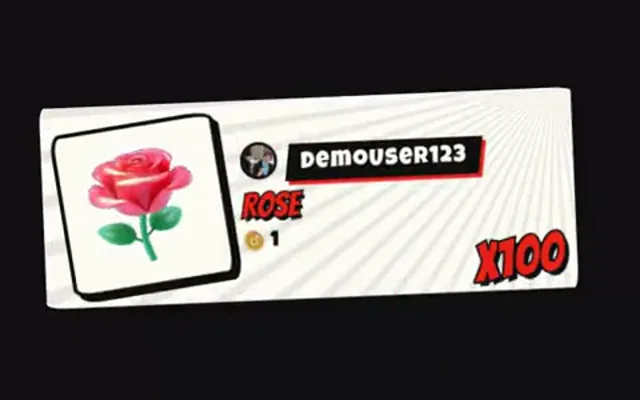
- Track a specific gift (a Rose, a Lion…) and set the number to reach.
- Bar, percentage and contributor
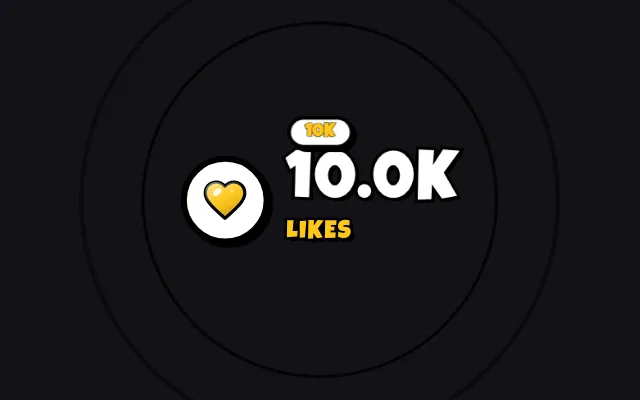
- Show the progress bar, the percentage and the viewer who contributed the most.
- Celebration
- An animation plays when the goal is reached, with the gift video if you like.
Ideas to use it
- A nightly goal to unlock a challenge
- Fund a community event
- Give small gifts a shared purpose
Related video tutorial
Create your first interaction: a Rose sends you to jail
Build a scene, a gift alert and a rule that plays a sound and presses a key in your game when a viewer sends a Rose on TikTok Live.
Create your first interaction: a Rose sends you to jailFrequently asked questions
Does the goal reset at the end of the live?
It's an option: the goal can reset when the live ends or carry over from one live to the next.
How much does each gift move the goal?
You set the step: each gift moves the goal by a fixed amount or by a percentage.