Windows 10 and 11 · 64-bit
Download Tik360 for TikTok Live
The complete application to manage your TikTok overlays and play interactive games with your live audience.
Free · Automatic updates
Install in 3 steps
- 1
Download the installer
Click “Download for Windows” to get the installer.
- 2
Run the installer
Double-click the downloaded file and follow the on-screen instructions.
- 3
Sign in
Launch Tik360 and sign in with your account to start using the app.
What you install
- Free plan: basic overlays, unlimited scenes and 8 active actions/reactions per scene
- Overlays, leaderboards, wheel of fortune and automations triggered by gifts, likes and comments
- Overlays you add in TikTok Live Studio, or as a browser source in OBS
- Three Minecraft modes with a server installed by the app, plus creator presets for other games
- Visual flow editor
- Automatic updates
System requirements
- Operating system
- Windows 10 or higher (64-bit)
- Processor
- Intel Core i3 or equivalent
- Memory
- 4 GB RAM minimum (8 GB recommended)
- Connection
- Stable Internet connection
Frequently asked questions
- Is Tik360 free?
- Yes. The free plan includes basic overlays, unlimited scenes and 8 active actions/reactions per scene. Pro, at €12.99 per month or €129.90 per year, unlocks every overlay and unlimited actions/reactions.
- Which Windows versions does Tik360 run on?
- Windows 10 and Windows 11, 64-bit. You need an Intel Core i3 processor or equivalent, at least 4 GB of RAM (8 GB recommended) and a stable Internet connection.
- Is there a Mac or mobile version?
- As of today, Tik360 is an app for 64-bit Windows 10 and 11. It is not a mobile app: you install it on your computer.
- Do I need OBS to use Tik360?
- No. Every overlay has its own link: add it in TikTok Live Studio, or as a browser source in OBS if you use it.
- How do I install Tik360 and connect it to my live?
- Download the installer, run it, then sign in with your Tik360 account. The getting started tutorial then shows how to connect your TikTok live, step by step.Getting started with Tik360 on TikTok Live
From install to your first live
The getting started tutorial walks through the install, creating your account and connecting your TikTok live, chapter by chapter.
All tutorials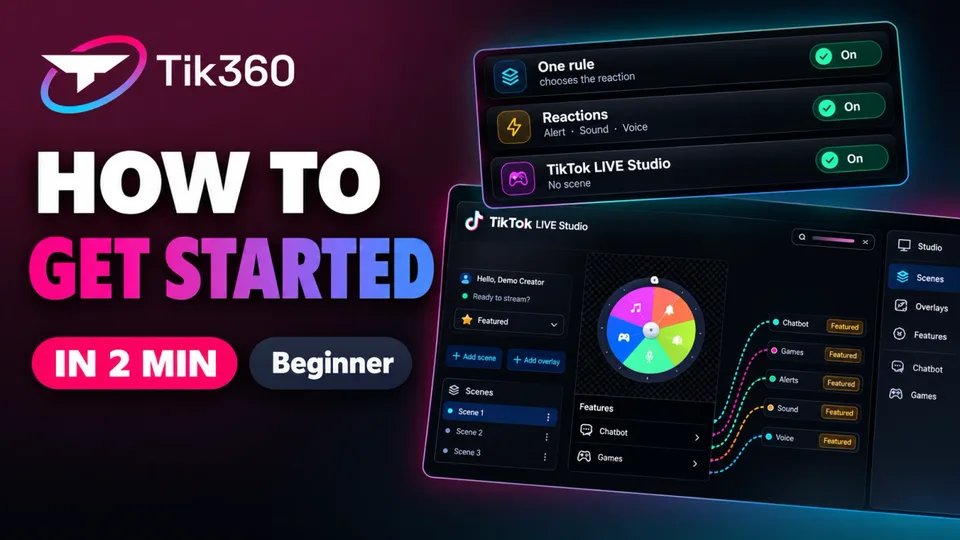 2:05
Need help with installation?
The team and community streamers answer on Discord.