Animated follow alert for TikTok Live
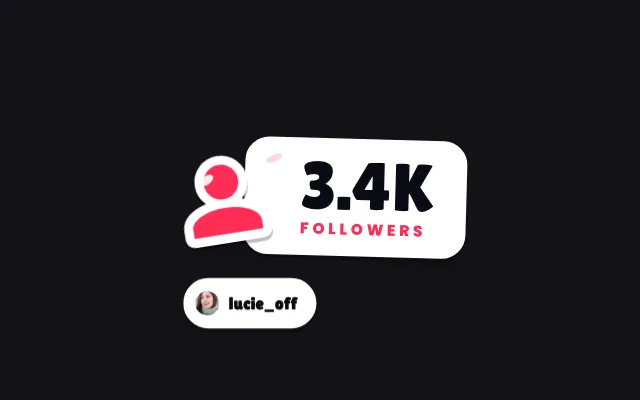
Every new follower shows up on screen with their picture, username and your thank-you message. During a wave of follows, alerts are queued and then grouped so they never clog the screen.
Download Tik360Nnova.liveLIVE
Live demo of the real overlay. Switch the style to see it change.
What this overlay does
- Picture, username and message
- Write your own thank-you message, and hide the picture, the username or the message if you prefer.
- Follow waves grouped
- Beyond ten follows in the queue, the alert merges them into one with the number of new followers.
- Four styles
- Classic with a burst of hearts, confetti or stars, Outline, Manga Impact or Sticker: pick the style in the gallery.
Ideas to use it
- Thank every new follower without reading the chat
- Encourage viewers to follow you during the live
- Keep the screen readable during a wave of follows
Related video tutorial
Create your first interaction: a Rose sends you to jail
Build a scene, a gift alert and a rule that plays a sound and presses a key in your game when a viewer sends a Rose on TikTok Live.
Create your first interaction: a Rose sends you to jailFrequently asked questions
Does the alert show for every follow?
Yes, every new follow triggers the alert. During waves, queued follows are grouped into a single alert.
Can the follow alert play a sound?
Yes. The overlay flow can launch a reaction before the alert shows or after it hides, such as playing a sound.