Gift history overlay for TikTok Live
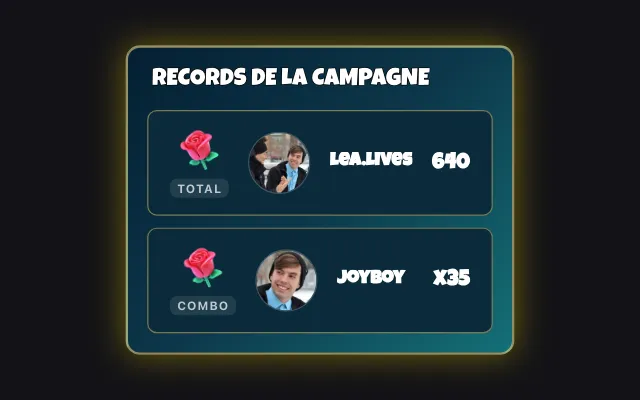
Each gift received is added to the top of the list with the gifter's name and photo. Your viewers see who sent what, and you can spot at a glance the gifts left to thank.
Download Tik360Nnova.liveLIVE
Live demo of the real overlay.
What this overlay does
- Gifter, gift and value
- Each line shows the username, profile picture, gift image, quantity and coin value.
- Grouped combos
- A combo can stay on a single updated line, or show every send separately.
- Filter and gift IDs
- A minimum value filters out small gifts, and each gift's ID can be shown next to its name.
Ideas to use it
- Thank your gifters at the end of a game
- Show newcomers how generous your audience is
- Find a gift's ID to set up a rule
Related video tutorial
Getting started with Tik360 on TikTok Live
Install Tik360, create your account, connect your TikTok live and discover scenes, presets, overlays, TTS and statistics in 2 minutes.
Getting started with Tik360 on TikTok LiveFrequently asked questions
How many gifts does the list keep?
You choose the maximum number of gifts shown. Beyond that, the oldest ones drop off the bottom of the list.
Can I clear the list during the live?
Yes. The Clear button on the overlay card in Tik360 empties the list at any time during the live.