Level up alert for TikTok Live
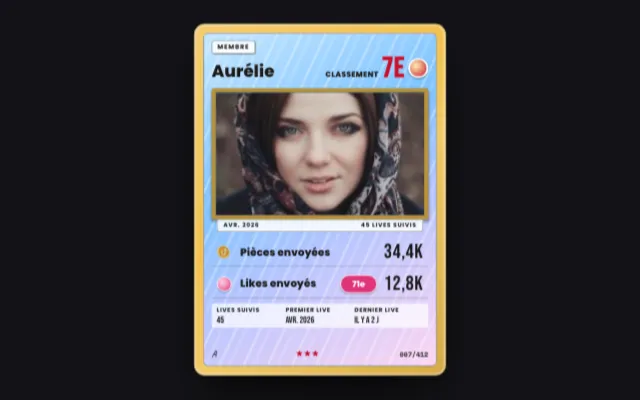
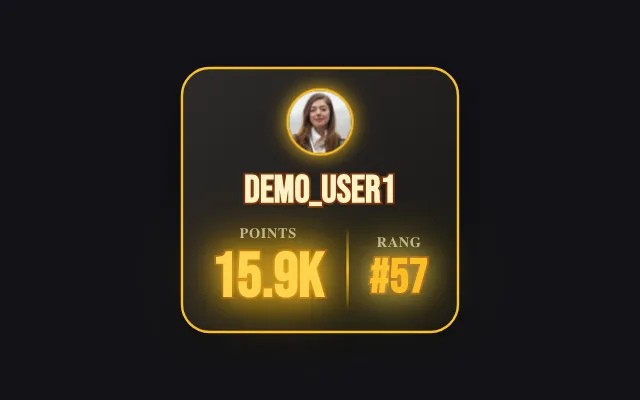
When a viewer reaches a new TikTok level or fan club level, the alert shows their picture, username and the jump from the old level to the new one. You choose the source, the minimum level and how the numbers animate.
Download Tik360Nnova.liveLIVE
Live demo of the real overlay. Switch the style to see it change.
What this overlay does
- TikTok level and fan club
- React to both kinds of level up or just one, with an accent color for each source.
- A minimum level
- Skip the low levels and only celebrate viewers who reach a major milestone.
- Grouped bursts
- During waves of level ups, alerts are queued and can be grouped into a single one.
Ideas to use it
- Congratulate a regular who levels up live
- Highlight the members of your fan club
- Encourage viewers to stay active during the live
Related video tutorial
Tik360 V3: what changes and the one setting to check
Moving to Tik360 V3: your scenes, rules and TikTok LIVE Studio links are kept. The TTS setting to check, overlay styles, global overlays and keyboard shortcuts.
Tik360 V3: what changes and the one setting to checkFrequently asked questions
What is a level up on TikTok?
TikTok gives every viewer a level, and members of your fan club a fan club level. When one of them goes up during your live, the alert plays.
Which styles are available?
Classic, Outline, Manga Impact or Sticker, picked in the gallery, with or without the official level badge.