Scrolling banner for TikTok Live
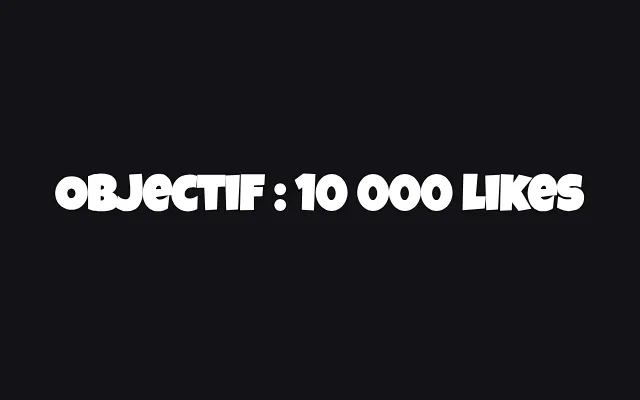
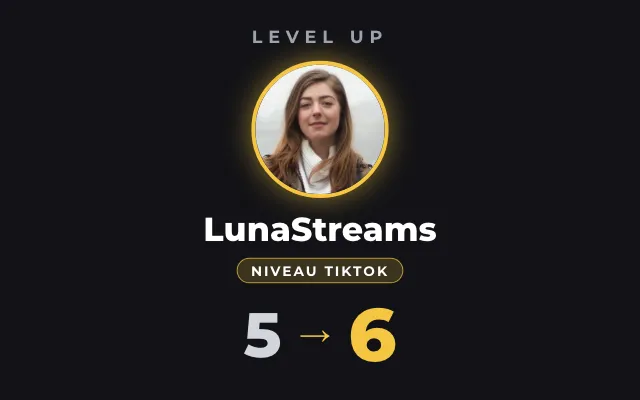
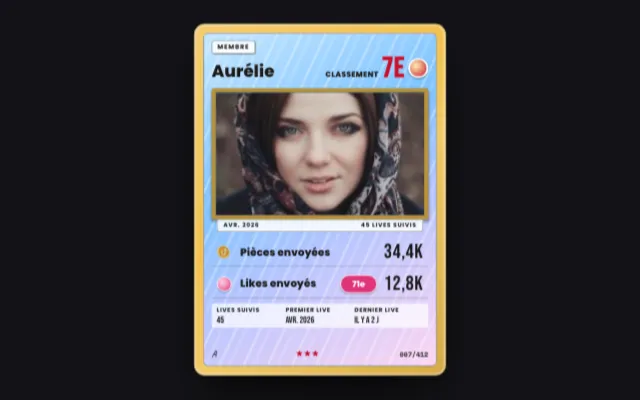
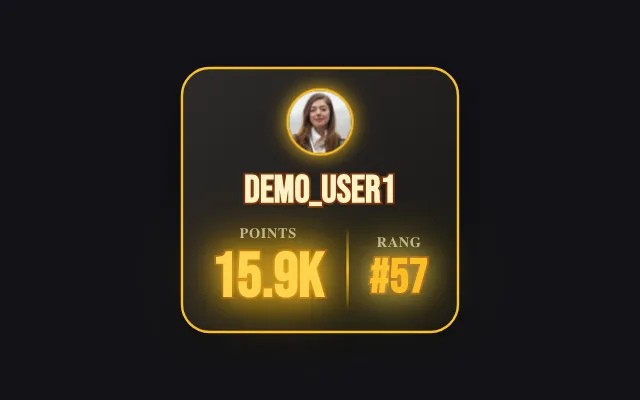
The banner loops through your messages, with variables such as the like count or the top gifter of the live. Follows, gifts and Super Fans slip in as the live goes on, with the viewer's avatar and the gift image.
Download Tik360Nnova.liveLIVE
Live demo of the real overlay. Switch the style to see it change.
What this overlay does
- Your messages and variables
- Up to 20 messages, with variables updated live: likes, viewers, latest follower, top gifter.
- Live events
- Follows, gifts, shares, Super Fans and level-ups show up with the text you write for each one.
- Seven styles
- Classic, Hazard, Sport, Outline, Manga Impact, Sticker or Pixel, with an optional tag such as LIVE.
Ideas to use it
- Remind viewers to follow and share without breaking the flow
- Thank every follow and every gift on screen
- Keep the like count and the top gifter on screen
Related video tutorial
Tik360 V3: what changes and the one setting to check
Moving to Tik360 V3: your scenes, rules and TikTok LIVE Studio links are kept. The TTS setting to check, overlay styles, global overlays and keyboard shortcuts.
Tik360 V3: what changes and the one setting to checkFrequently asked questions
Is the scrolling banner free?
Yes, the scrolling banner is one of the overlays available with the free Tik360 account.
Can a rule add a message to the banner?
Yes. A Tik360 rule can add a message when a gift, a follow or a chat command comes in, or show and hide the banner.