Interactive Minecraft on TikTok Live
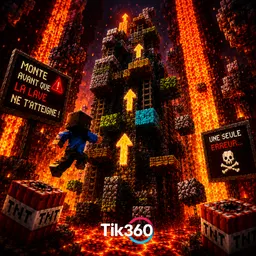
Your viewers drop TNT, speed up the lava or vote for a team with their gifts. Tik360 ships three ready-to-play Minecraft modes, and partner creators add more.
Download Tik360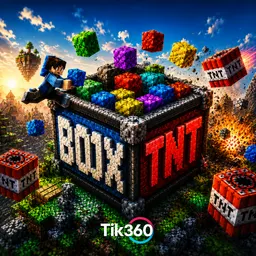
This page is being written: screenshots, video and a detailed guide are coming soon.
Available presets


What you need
- Minecraft Java Edition
- Tik360 on Windows 10 or 11
- TikTok LIVE Studio or OBS
Useful links
How to play it with Tik360
- 1
Install the preset in Tik360
Open the Presets page in Tik360 and install the game's preset in one click: the scene comes with its rules and overlays.
- 2
Start the Minecraft game mode
On the Games page in Tik360, open TIK360 Box, Lava Rise or Vote Box and click Play, then join the game from Minecraft.
- 3
Test without going live
In the scene, simulate a gift or a like with the Test button to check that the game reacts.
- 4
Start your TikTok Live
Enter your username in the Live control, pick the game's scene and go live: your viewers take over.