Turn on TTS: read the chat out loud
09Updated on October 19, 20263 min
Chat messages are read out loud, with filters to keep you in control.
Screenshots are still in French for now; the bold names in the text are the ones from the English app.
⏱️ 3 min
TTS: read the chat out loud
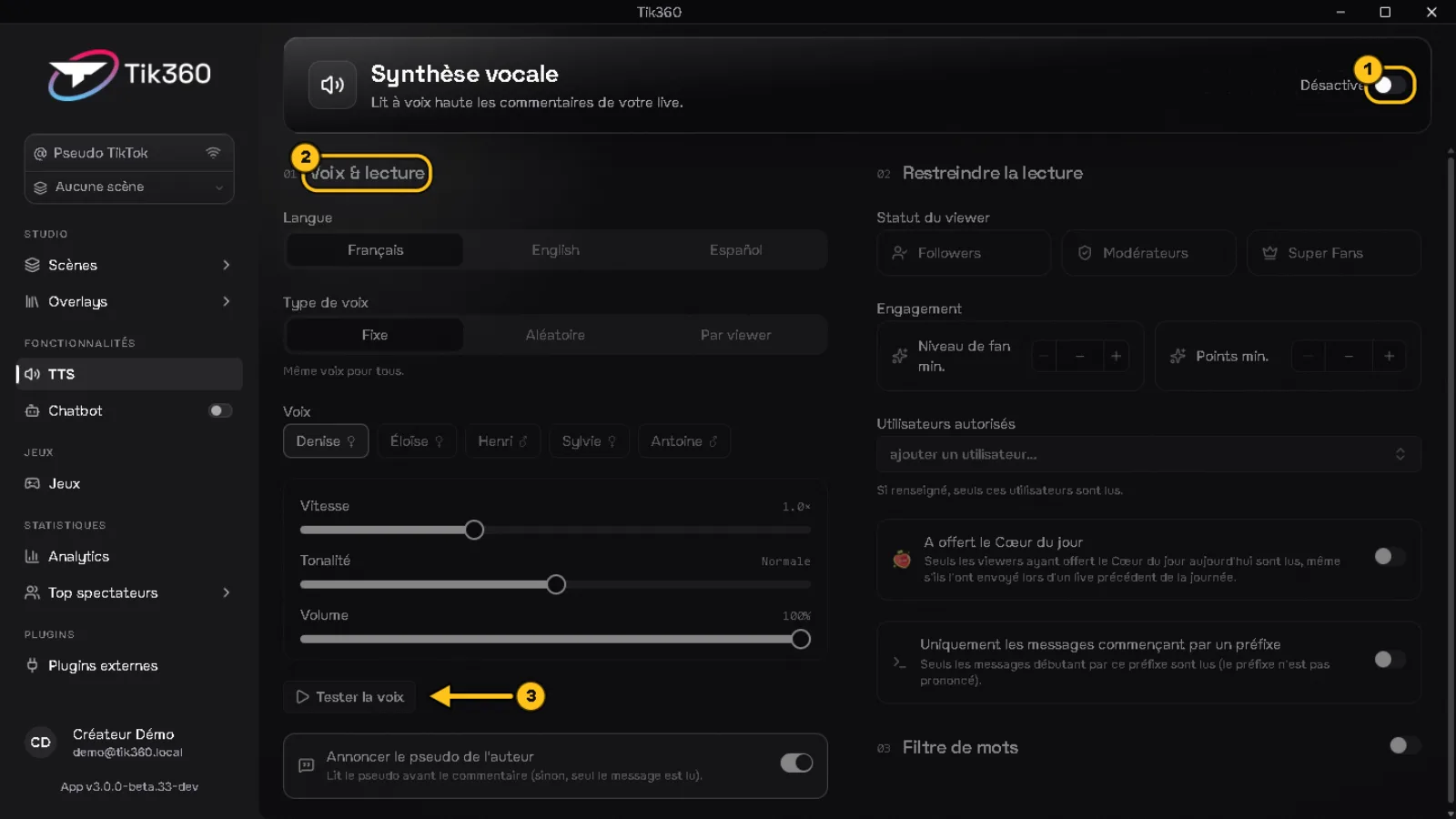
1. Sidebar → TTS. Turn on the switch ① at the top right.
2. Voice & reading ②: language, voice type (fixed, random or one per viewer), voice, speed, pitch and volume. Click Test the voice ③ to hear it.
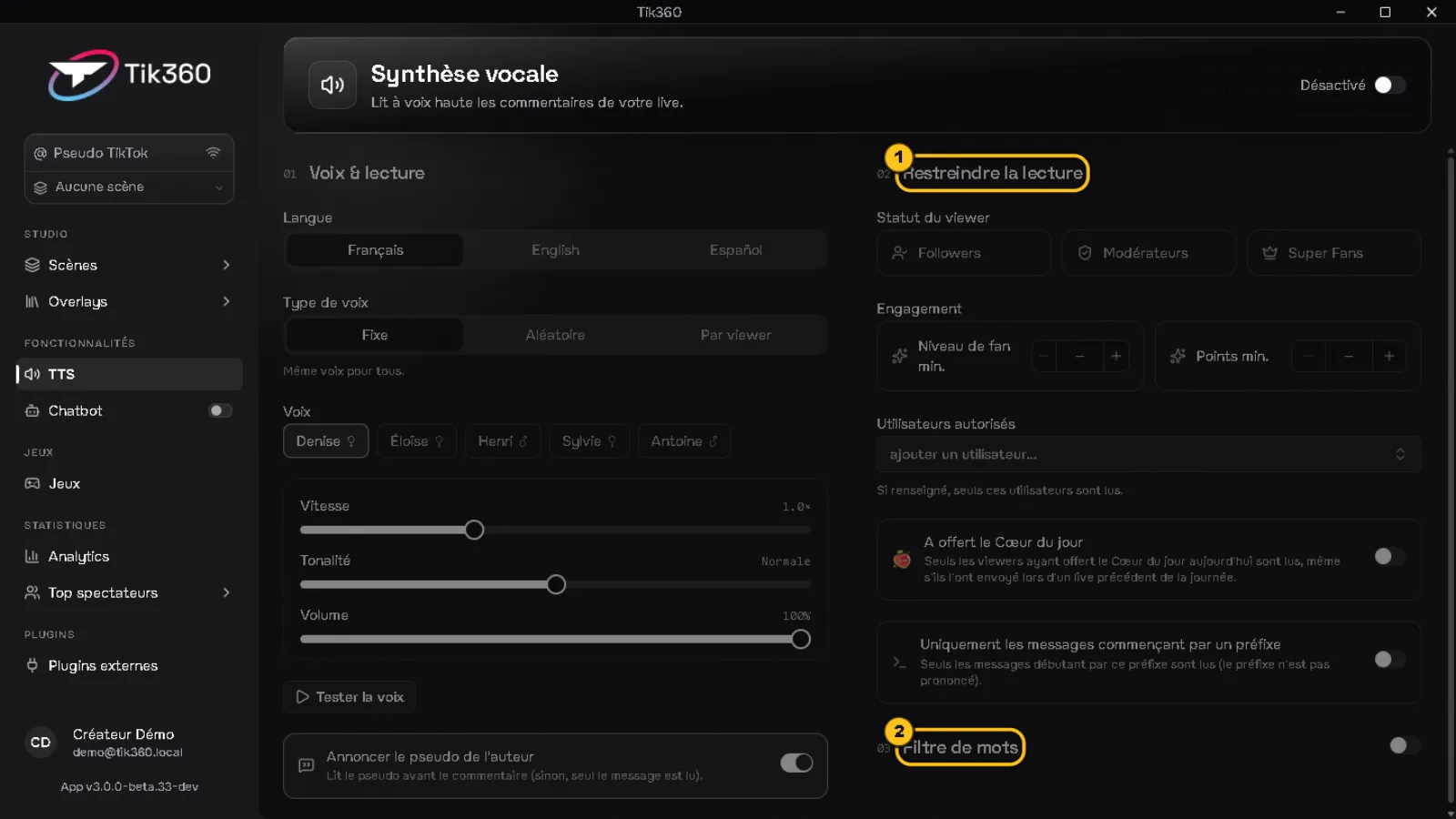
3. Restrict reading ①: limit TTS to followers, moderators, Super Fans, a fan level or a number of points, or to messages that start with a prefix.
4. Word filter ②: hide swear words or ignore the whole message.
✅ Result: chat messages are read out loud, according to the filters you chose.